Internet Speed Booster Lite1.0
Publisher Description
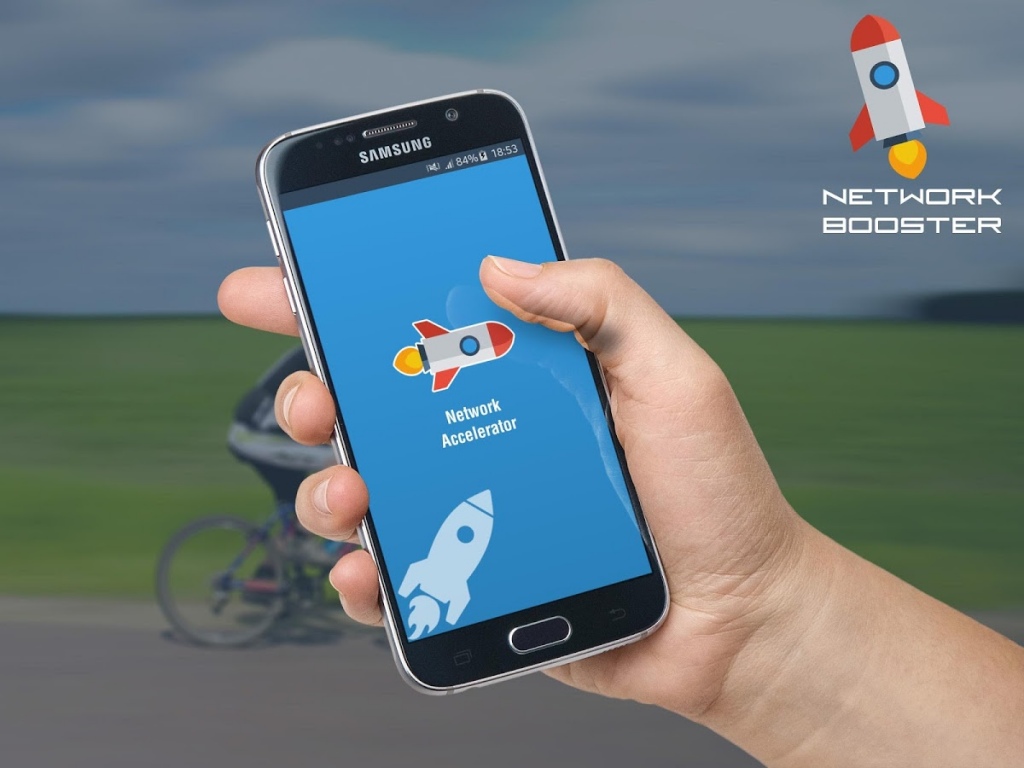
Internet Speed Booster Lite is an excellent free application to optimize your Internet connection.
If you experience slow Internet speeds with the Wi-Fi network.
This app works by eliminating all the applications running in the background, giving the priority to current apps and getting best signal from the WIFI Devices.
This application can increase Internet speed from 40% to 80%, depending on your device.
Features of this app:
✔ It's FREE
✔ Easy to use and lightweight
✔ It consumes very little power and CPU.
✔ Works on all devices.
✔ Simple User Interface.
✔ Support:- kerbalsc@gmail.com
For any kind of help or confusion, simply write to us. Kindly do not leave us any negative stars, we're here to help. Thanks : )
Application Keywords:
Internet Speed Booster
Internet Booster
Internet Optimizer
Network Master
Signal Boosters
Network Signal Speed Booster
internet speed
booster speed
high speed internet
fast internet
wireless booster
network speed booster
3g booster
antenna booster
phone booster
internet booster
About Internet Speed Booster Lite
The company that develops Internet Speed Booster Lite is kerbalapp. The latest version released by its developer is 1.0. This app was rated by 4 users of our site and has an average rating of 4.3.
To install Internet Speed Booster Lite on your Android device, just click the green Continue To App button above to start the installation process. The app is listed on our website since 2016-10-06 and was downloaded 446 times. We have already checked if the download link is safe, however for your own protection we recommend that you scan the downloaded app with your antivirus. Your antivirus may detect the Internet Speed Booster Lite as malware as malware if the download link to com.kerbalapp.internetspeedbooster is broken.
How to install Internet Speed Booster Lite on your Android device:
- Click on the Continue To App button on our website. This will redirect you to Google Play.
- Once the Internet Speed Booster Lite is shown in the Google Play listing of your Android device, you can start its download and installation. Tap on the Install button located below the search bar and to the right of the app icon.
- A pop-up window with the permissions required by Internet Speed Booster Lite will be shown. Click on Accept to continue the process.
- Internet Speed Booster Lite will be downloaded onto your device, displaying a progress. Once the download completes, the installation will start and you'll get a notification after the installation is finished.
